Ultimate Cable Box
A cable box you size to your own gear, instead of buying one and hoping it fits. You set the dimensions, the wall openings and the extras, and the model builds the part.
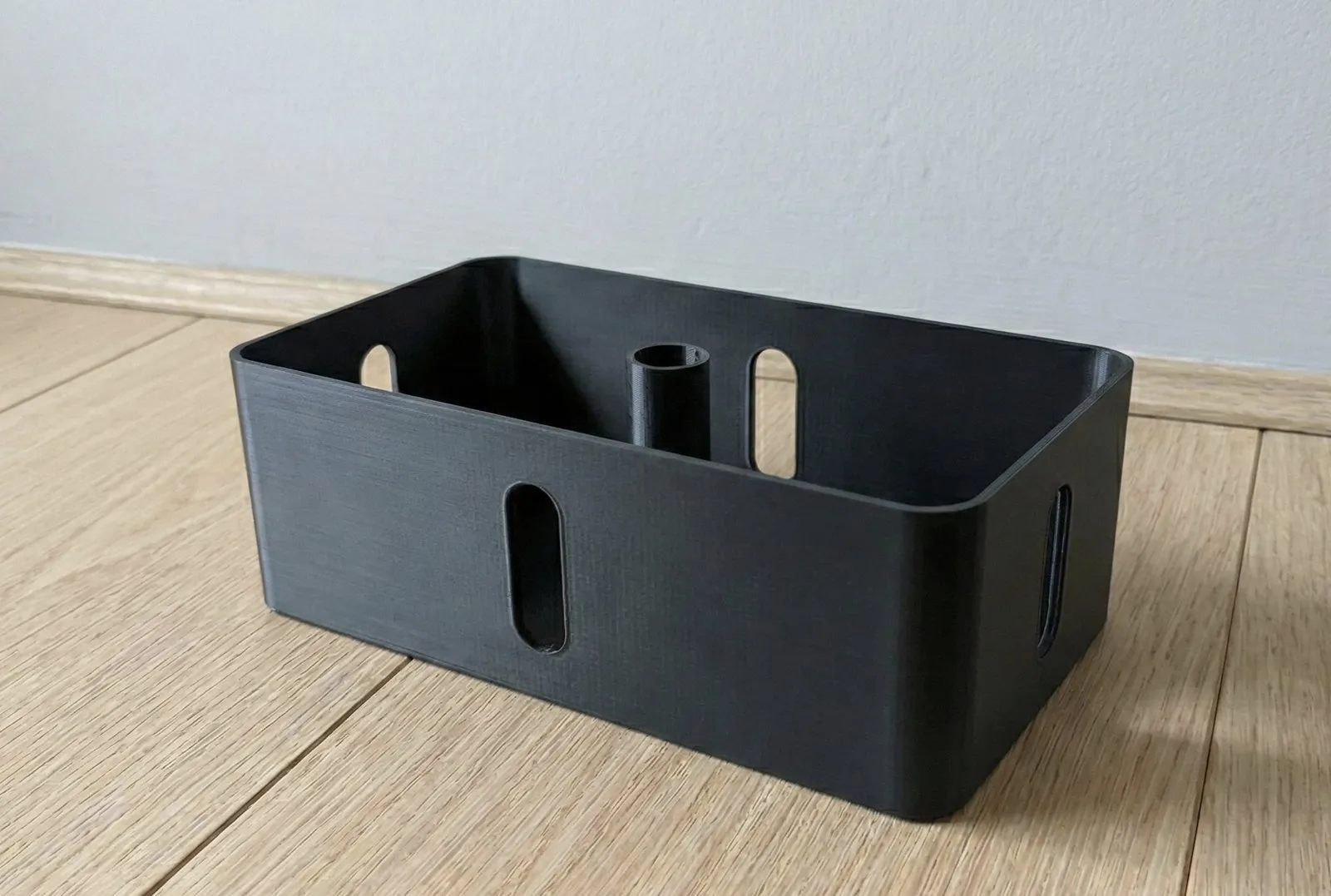
The model is one OpenSCAD file, cable-box-parametric.scad. These pages stay
close to that file, so the behaviour described here is the behaviour the model
produces.
Get a box
Section titled “Get a box”Start here if you own a printer and want a part today.
- Preset library: nine ready configurations, each sized for
something you already own. Every entry carries an orbitable 3D view, the
parameters behind it, and STL, GLB and
config.jsondownloads. - Printing guide: the baseline settings, which face lands on the bed, and the small fit test box to print before a full one.
Change a box
Section titled “Change a box”Start here when a preset is close but not quite right.
- Workflows: install BOSL2, open the Customizer, then tune one group of parameters at a time.
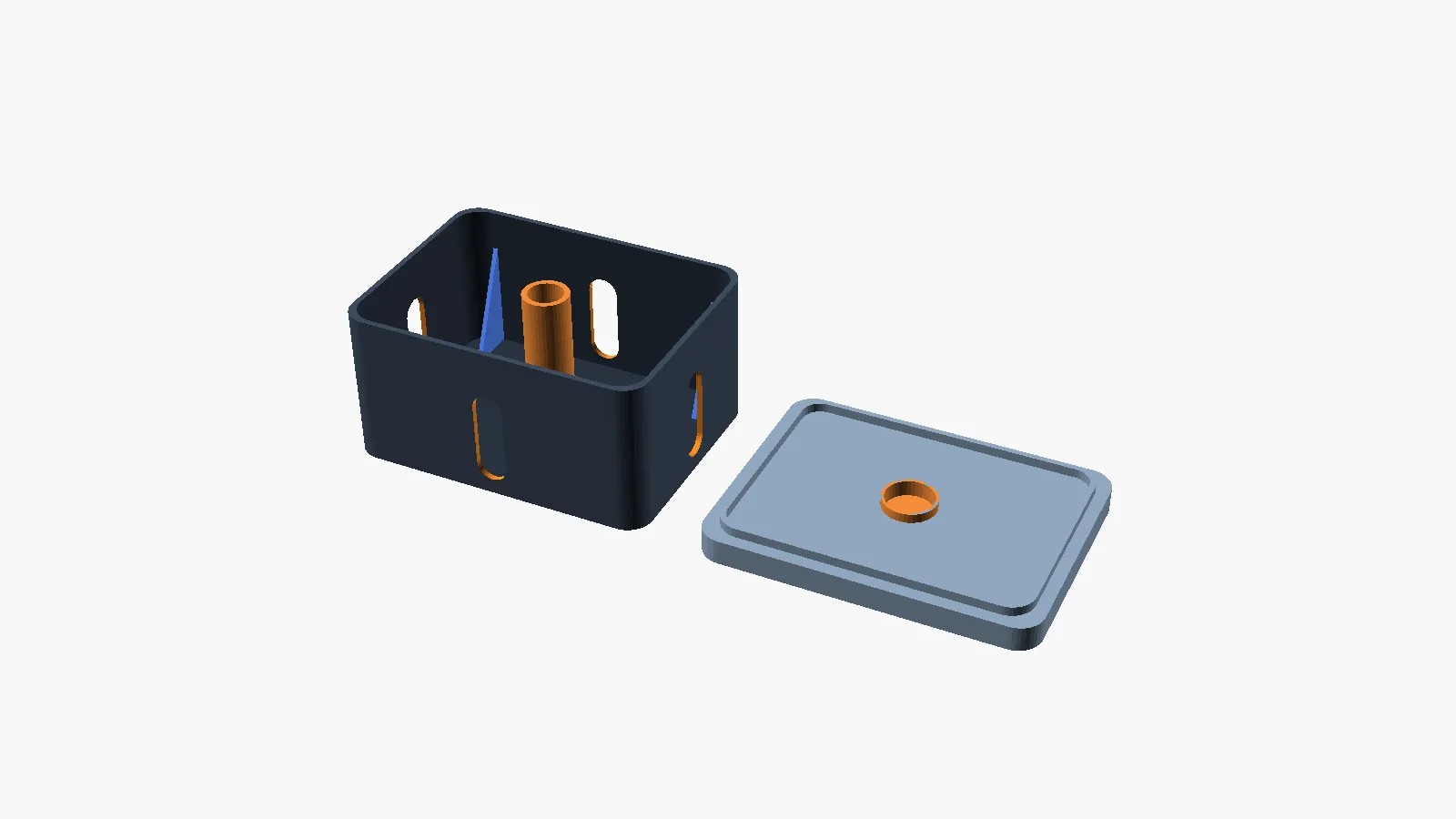
- Options guide: every option rendered from the model, so you can see what each one does before you set it.
- FAQ: the questions that come up most often, answered with the parameter names and the numbers.
Reference
Section titled “Reference”These pages describe the model itself. Reach for them when a parameter or an assertion needs explaining.
- Parameter reference: every parameter, section by section
- Parameter interactions: the pairs of parameters that constrain each other
- Validation rules: each assertion, what trips it, and how to resolve it
- Module reference: the geometry modules and what each one builds
- SCAD architecture: how a parameter set becomes geometry
- Docs index: every file in the repository, with its purpose
- Release checklist: what a version number promises, and the steps that keep that promise
Scope notes
Section titled “Scope notes”This set describes the primary model at the repository root. Gridfinity interfaces, snap-fit seam clips and the preset library are part of that model and are documented here.
Most of the model is verified by a geometry regression suite rather than by printing. The print validation status table says which features have been printed on a real machine, and on which printer. Treat anything marked “rendered only” as untested in filament.
Contributors should start from
CONTRIBUTING.md,
which covers building this site locally.